1
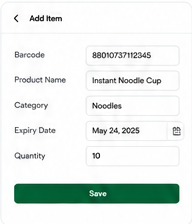
Scan or Add Items
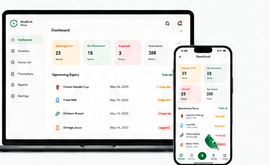
Scan barcodes or manually add products to your inventory in seconds.
How It Works
ShelfLife Sync makes inventory and expiry management easy. Follow four simple steps to save time, reduce waste, and grow your profit.
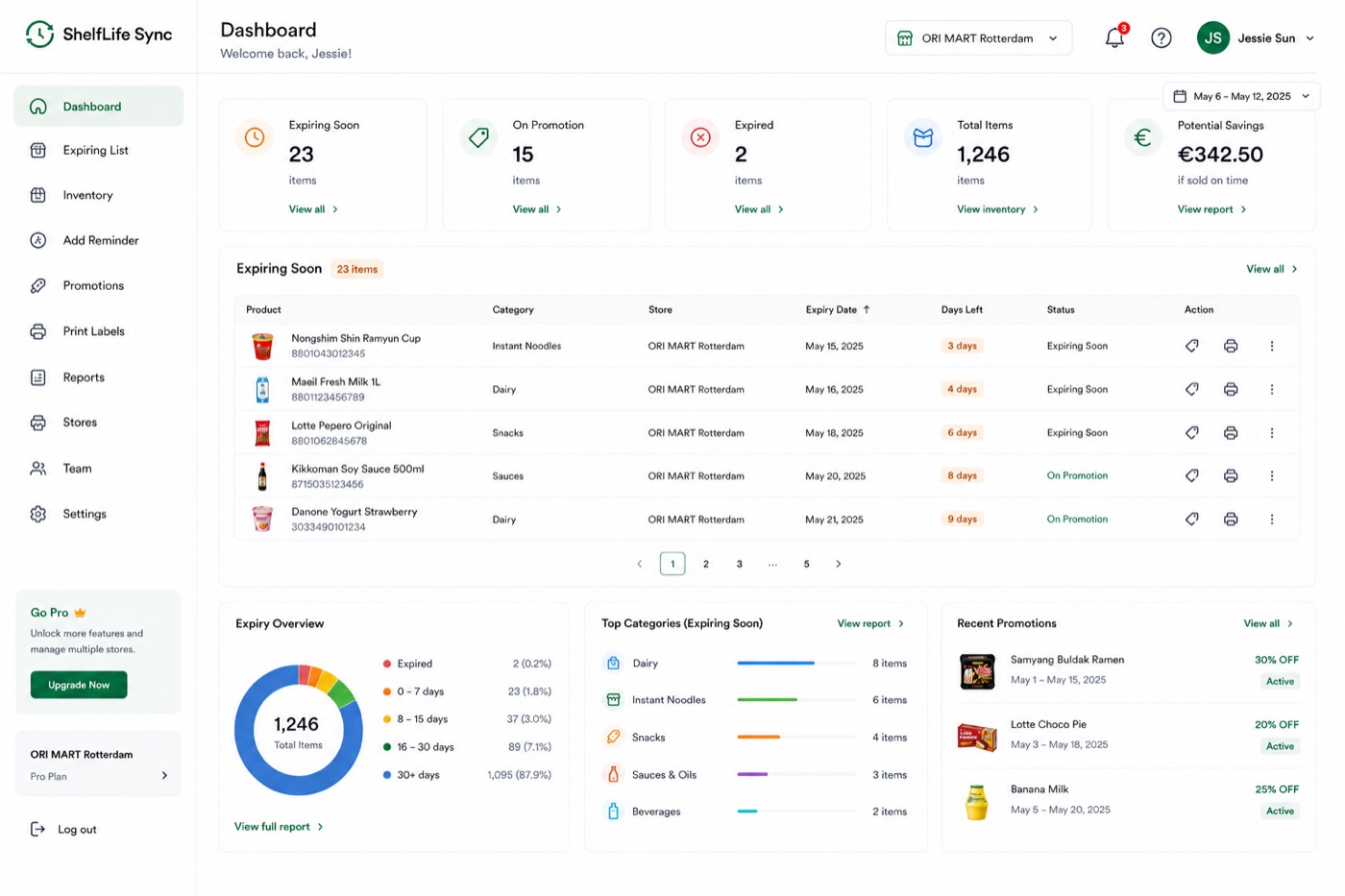 See how it works2-minute videoWatch Demo ▷
Manage your inventory in four easy steps.
Scan barcodes or manually add products to your inventory in seconds.

Add expiry dates, locations, quantities, and other important details.
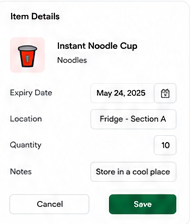

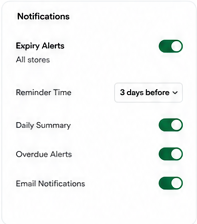
Receive alerts before items expire so you can take action on time.

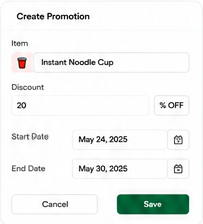
Create promotions, print labels, and move stock before it goes to waste.
 ⌂▣▤▥
⌂▣▤▥
Keep prices, stock, and promotions connected with flexible integrations and exports.
Lightspeed · Zapier · MoreUse ShelfLife Sync on any device. Manage your store from anywhere, anytime.